How to Decide Whether Your Business Needs a Simple Job Folder Before Work Gets Hard to Trace
Small-business owners can prevent billing gaps and client disputes by organizing a basic per-job folder before records become scattered and impossible to reconstruct.
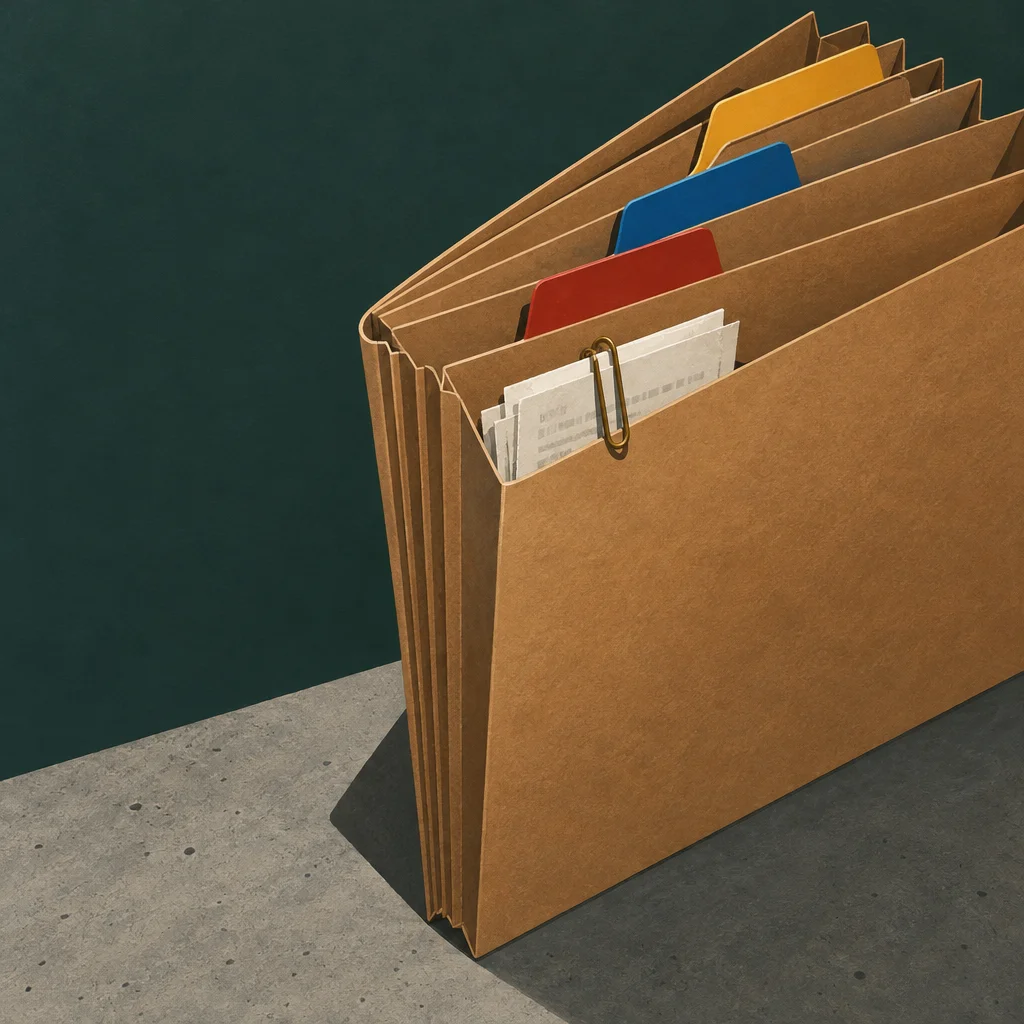
If you finish a job and then spend twenty minutes hunting for the original quote, the change order a client texted you, and the photo you took before starting work, that search time is a warning sign. A job folder is not a filing system overhaul. It is simply a dedicated home for every document, note, and image connected to one piece of work, kept together from start to finish.
This article will help you decide whether setting one up makes sense for your operation right now, and what a practical version looks like if you move forward.
When a Job Folder Actually Helps
Not every business needs this habit today. A solo owner doing ten identical small transactions a week with no custom pricing and no follow-on work may find a simple invoice log is enough. But a job folder becomes valuable when several of these situations apply to your work.
You bill for time, materials, or both, and the final number changes from the original estimate. You deal with clients who sometimes push back on charges after the work is done. You have more than one person touching a job, even part of the time. You rely on photos, measurements, or client approvals at any stage. Jobs run longer than a single day. You have had a situation where you could not remember what was agreed, what was completed, or what you already billed.
If two or more of those fit, a job folder will likely earn its keep.
What Goes in It
A job folder does not need to be complicated. Think of it as a container for anything you would want to find quickly if a client called with a question six weeks after you finished the work.
Useful contents include the original quote or proposal, any written changes to scope or price, client contact information specific to that job, notes from site visits or phone calls, photos taken before, during, and after the work, receipts for materials purchased for the job, a copy of the final invoice, and confirmation that payment was received. That is the full list for most small-business service work. You do not need more than that to start.
Paper or Digital
Both work. The right choice depends on how you already operate.
If you handle paper naturally and most of your job documents arrive on paper, a manila folder with the job name and date written on the tab is a legitimate system. A small accordion file or a shallow filing box organized by month is enough infrastructure. The habit matters more than the tool.
If you work from your phone or laptop throughout the day, a digital folder in a service like Google Drive or Dropbox costs nothing at basic storage levels and travels with you. You can photograph a handwritten note, drop a client text screenshot in, and add a final invoice PDF without printing anything. A folder named with the client name and job date, kept inside a folder for the current year, is sufficient structure for most small teams.
For example, a hypothetical two-person landscaping company might keep a Google Drive folder called "Martinez backyard regrading June" containing a photo of the signed estimate, three before-and-after photos, a screenshot of a text approving an extra load of topsoil, and a PDF of the paid invoice. That is a complete record of that job in one place.
The Setup Cost
Creating a folder structure takes under an hour. You can build a basic template folder with placeholder labels and duplicate it for each new job going forward. If you already have jobs in progress, you can start from today rather than reconstructing the past. The bigger investment is the habit of actually putting things into the folder as the job moves forward, rather than letting them sit in your inbox, camera roll, or back pocket.
For businesses with an office manager, admin assistant, or bookkeeper, this is a task that transfers easily once the folder structure is defined. For solo owners, building the step into your end-of-day routine or your invoicing moment is enough to make it stick.
How It Protects You
The most practical protection a job folder provides is a clear record when a billing dispute comes up. If a client says the price was supposed to be lower, or that you did not complete something you invoiced for, having the signed quote and a completion photo in one place lets you respond quickly and specifically without sounding defensive.
It also helps with your own billing. Owners who rely on memory to build a final invoice sometimes miss billable materials or extra time. A folder where you drop receipts and notes as you go makes the invoice more accurate and easier to assemble.
At tax time, job folders that include material receipts simplify the process of identifying deductible business expenses, since everything is already connected to a revenue-generating job rather than mixed into general bank statements. Consult your tax professional about what documentation practices apply to your situation.
One Signal That You Are Ready
If you can name a job from the past year where a missing document cost you time, money, or a clean client conversation, you are ready to start. You do not need a perfect system before the next job begins. A folder with the client name on it, opened before you do the first site visit, is enough of a start. You can improve the habit as you go.
The goal is not to create paperwork for its own sake. The goal is to make sure that the work you do and the agreements you reach with clients are traceable, so that finishing a job cleanly is as manageable as starting one.